The business
- Legal name, and the name you trade under if it differs
- EIN and entity type
- Industry (NAICS code) and a one-line description
- Business address, phone, and email

Getting started
Create an account, verify your business, and set up a membership. Here is what the application asks for, and what happens after you send it.
Have these ready. Everything is entered in the app, and it saves as you go.
Most applications need none. If the review needs one, the app asks for it before approval.
Save and exit at any step and pick up where you left off. The last step shows everything you entered before you send it.
Email and password.
The legal entity and its address.
Owners and controllers, up to four.
Check everything, accept the terms, and send it.
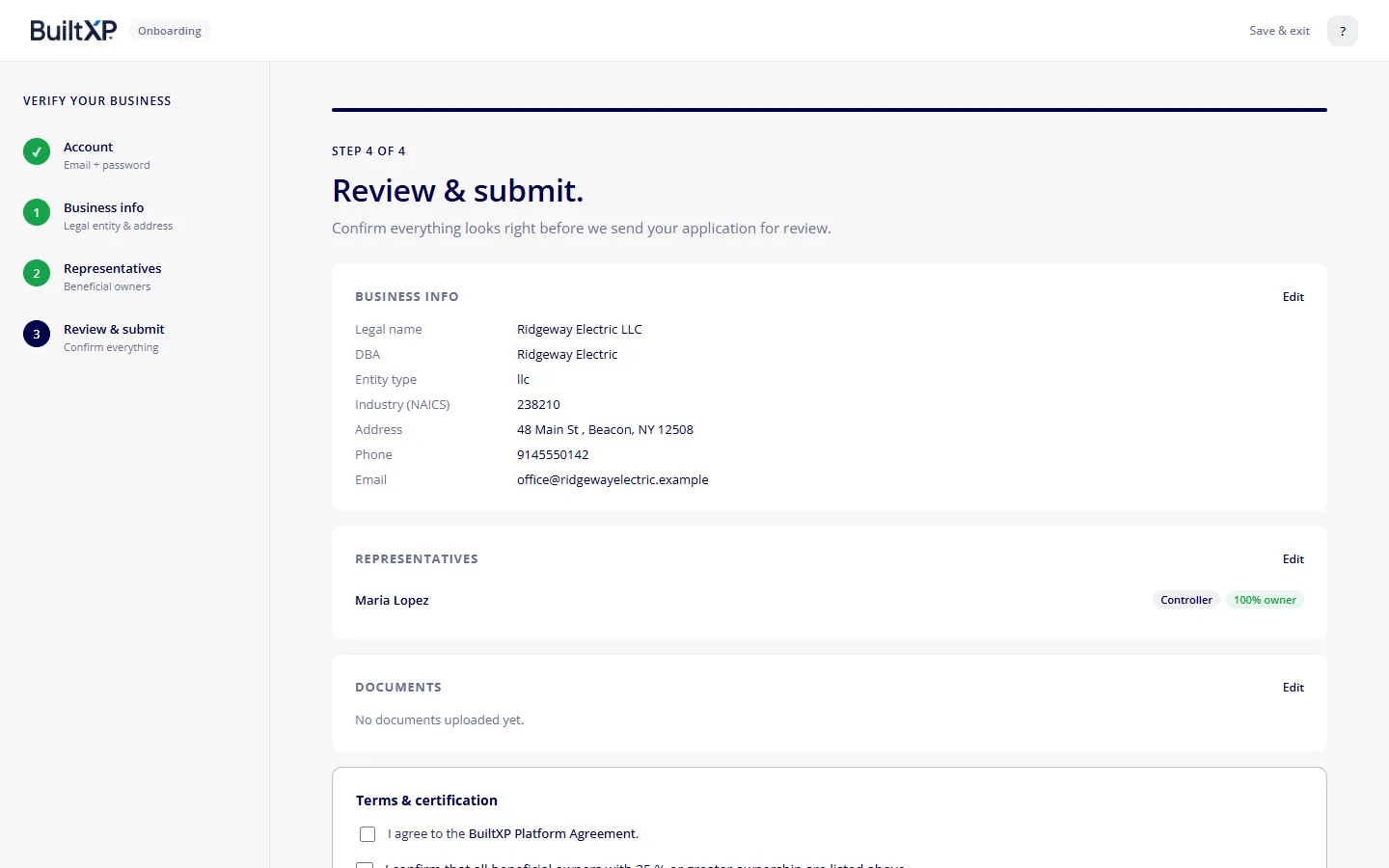
If the review needs a document, the app asks for it. Otherwise the next step is choosing a membership.
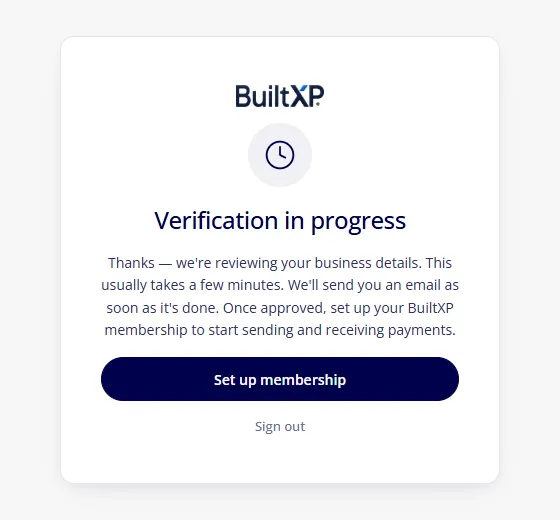
We verify the business and its representatives with our banking partners.
You don’t need to keep the page open.
Once approved, choose a plan and start sending and receiving payments.
No hidden fees. No long-term commitments.